Skip to content

Get Reelora on your phone, tablet or computer for one-tap access.

TV Series8.120065 Seasons23 EpisodesNR

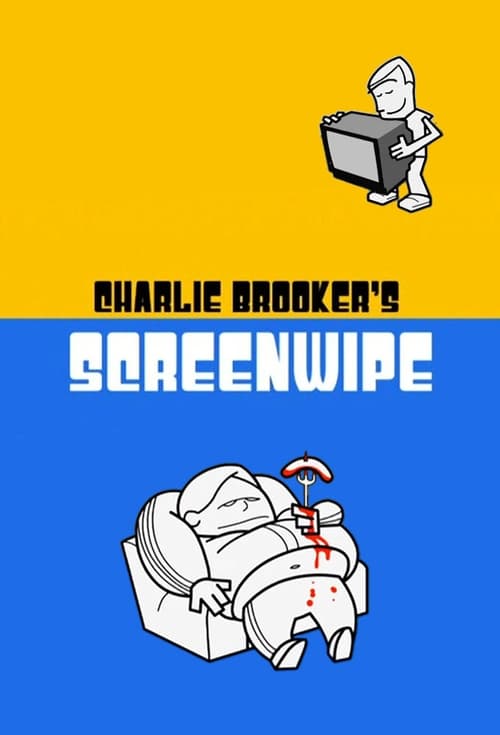
Charlie Brooker's Screenwipe

Comedy, Documentary

Charlie Brooker's acerbic take on recent TV contains reviews of current shows, as well as stories and commentary on how television is produced.

Created by

Charlie Brooker

Where to watch

Services carrying Charlie Brooker's Screenwipe in the US.

No streaming, rental or purchase options are listed for this title yet. Add it to My List and check back soon.

Availability data by JustWatch, via TMDB.

Details

Status
Ended
First aired
March 2, 2006
Latest episode
December 16, 2008
Network
BBC Four
Episode length
30 min
Original language
English

Seasons & Episodes

The complete episode guide with air dates and runtimes.

EP 130m

1. Episode 1

Brooker talks about the actual cost of making simple TV and how TV companies claw the money back from phone in shows. He also discusses the different types of TV presenters as well as reviewing The Jeremy Kyle Show and The Apprentice. Robert Popper talks about his dislike for the TV show Star Quality.

Mar 2, 2006
EP 230m

2. Episode 2

Brooker talks about the process of actually getting an idea onto TV. He reviews 24, Deal or No Deal and breakfast TV and he discusses TV giving itself a pat on the back. Dr Ben Goldacre discusses "bad" science on television.

Mar 9, 2006
EP 330m

3. Episode 3

Brooker discusses TV scaremongering thanks to 24-hour news and reconstruction programmes. He reviews Music channels and TV makeover shows. Simon Farnaby talks about Last of the Summer Wine.

Mar 16, 2006
EP 430m

4. Episode 4

Charlie dissects Hollyoaks, late-night gameshow The Mint, Dragons' Den and more. Plus, what the people listed in the credits of TV shows actually do.

Aug 10, 2006

Starring cast

  • Charlie Brooker

    Charlie Brooker

    Self - Presenter

  • Aisleyne Horgan-Wallace

    Aisleyne Horgan-Wallace

  • Peter Sallis

    Peter Sallis

    Clegg (archive footage, uncredited)

Install Reelora

Add it to your home screen for one-tap access, a full-screen view and faster loading. No app store needed.

How to install

  1. 1Open this site in Chrome or Edge.
  2. 2Click the install icon at the right end of the address bar.
  3. 3Confirm with Install. The app opens in its own window.
Made with Modulify