Skip to content

Get Reelora on your phone, tablet or computer for one-tap access.
Movie6.619992h 16mPG

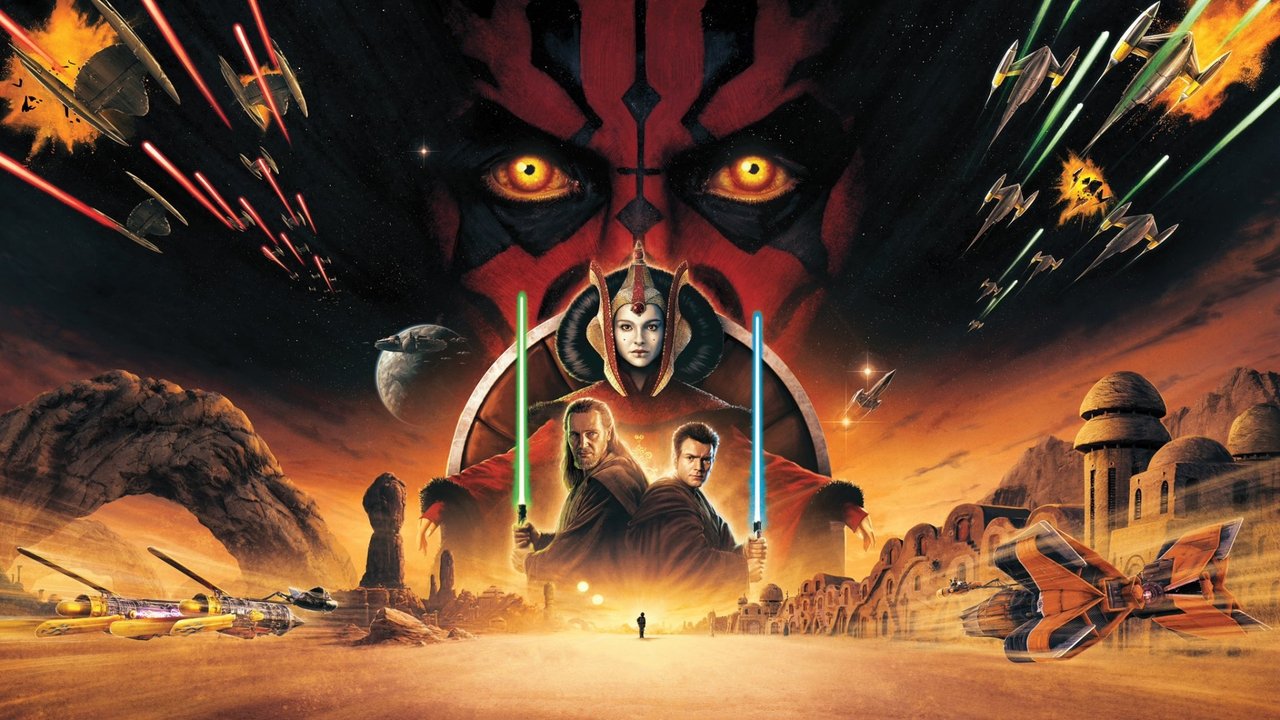
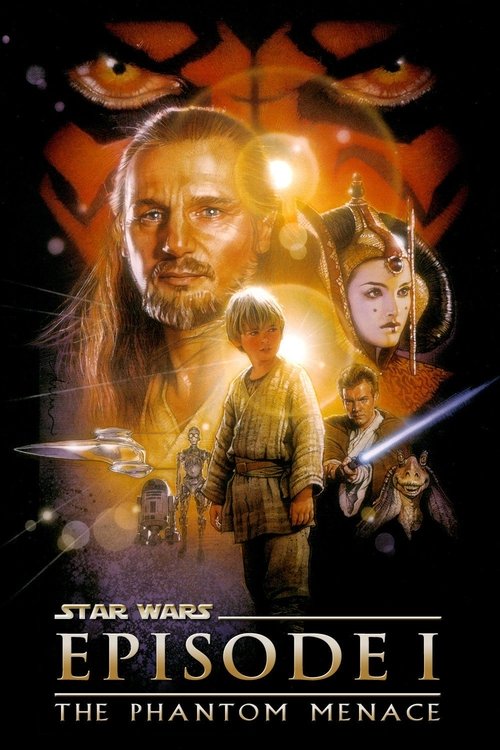
Star Wars: Episode I - The Phantom Menace

Adventure, Action, Science Fiction

Every saga has a beginning.

Anakin Skywalker, a young slave strong with the Force, is discovered on Tatooine. Meanwhile, the evil Sith have returned, enacting their plot for revenge against the Jedi.

Director

George Lucas

Play Trailer

Where to watch

Services carrying Star Wars: Episode I - The Phantom Menace in the US.

All options

Stream

Disney Plus

Rent

Amazon VideoApple TV StoreGoogle Play MoviesYouTubeFandango At Home

Buy

Amazon VideoApple TV StoreGoogle Play MoviesYouTubeFandango At Home

Availability data by JustWatch, via TMDB.

Details

Status
Released
Release date
May 19, 1999
Runtime
2h 16m
Original language
English
Studio
Lucasfilm Ltd.
Budget
$115.0M
Box office
$1.0B

Starring cast

  • Liam Neeson

    Liam Neeson

    Qui-Gon Jinn

  • Ewan McGregor

    Ewan McGregor

    Obi-Wan Kenobi

  • Natalie Portman

    Natalie Portman

    Padmé Amidala

  • Jake Lloyd

    Jake Lloyd

    Anakin Skywalker

  • Ian McDiarmid

    Ian McDiarmid

    Senator Palpatine

  • Pernilla August

    Pernilla August

    Shmi Skywalker

  • Oliver Ford Davies

    Oliver Ford Davies

    Governor Sio Bibble

  • Hugh Quarshie

    Hugh Quarshie

    Captain Panaka

  • Ahmed Best

    Ahmed Best

    Jar Jar Binks

  • Anthony Daniels

    Anthony Daniels

    C-3PO (voice)

  • Kenny Baker

    Kenny Baker

    R2-D2

  • Frank Oz

    Frank Oz

    Yoda (voice)

  • Terence Stamp

    Terence Stamp

    Chancellor Valorum

  • Brian Blessed

    Brian Blessed

    Boss Nass (voice)

  • Andy Secombe

    Andy Secombe

    Watto (voice)

  • Ray Park

    Ray Park

    Darth Maul

  • Lewis Macleod

    Lewis Macleod

    Sebulba (voice)

  • Warwick Davis

    Warwick Davis

    Wald / Pod race spectator / Mos Espa Citizen

Install Reelora

Add it to your home screen for one-tap access, a full-screen view and faster loading. No app store needed.

How to install

  1. 1Open this site in Chrome or Edge.
  2. 2Click the install icon at the right end of the address bar.
  3. 3Confirm with Install. The app opens in its own window.
Made with Modulify